
A trading journal for prop traders. No signals.
You know your P&L. Do you know your rules?
Fri 16 Oct · 06:58
- 1Stop for the day at −$500.
- 2Only A+ setups.
- 3Nothing around high-impact news.
- 4Two trades maximum.
Same as yesterday? One tap.
Before the open, you write the rules.
Fri 16 Oct · 09:31
A trade needs one number.
Win +$130 · Rules kept
Sample data
Fri 16 Oct · 10:14
A loss inside your rules is still a clean trade.
Loss −$310 · Rules kept
Sample data
Fri 16 Oct · 11:02
Day 214. Rule four.
Two trades maximum.
Trade three: not taken
Trade three was right there. Rule four held.
Fri 16 Oct · 16:00
Close the day. Write one fix for tomorrow.
- 09:31+$130
- 10:14−$310
Friday−$180
Fix for tomorrow
Two trades, then close the platform.
Sample data
9 of 12 days kept
A month of days. Each one kept, or not.
Sample data
Days you kept your rules. Days you broke one.
Rules kept+$1,160
A rule broken−$960
Illustration with sample data. Your numbers will differ.
Would this eval have held on your own past days?
Would have held.Target not reached.
Sample data
Your money, next to how you traded. Also when it’s red.
Costs & payoutsEval fees −$540Reset −$180Payouts $0
−$720Open profit counts once it’s paid out.
Sample data
Trade your rules. Keep the record.
Access is by invitation. Ask for a key.
One question. Your key appears on screen, with a copy by email.
Tracks accounts at
Futures
- Topstep
- Apex Trader Funding
- My Funded Futures
- Tradeify
- Lucid Trading
- Take Profit Trader
- Alpha Futures
- Bulenox
- Elite Trader Funding
- TradeDay
- Earn2Trade
- FundedNext Futures
- Top One Futures
Forex & CFD
- FTMO
- FundedNext
- The5ers
- E8 Markets
- Funding Pips
- Alpha Capital Group
- Blue Guardian
- FunderPro
- Maven Trading
- Goat Funded Trader
Presets for these firms; any other, you type its limits in once. Not affiliated with any firm.
That was the film. This is the app.
Four screens from the app, on a demo account. Your numbers will differ.
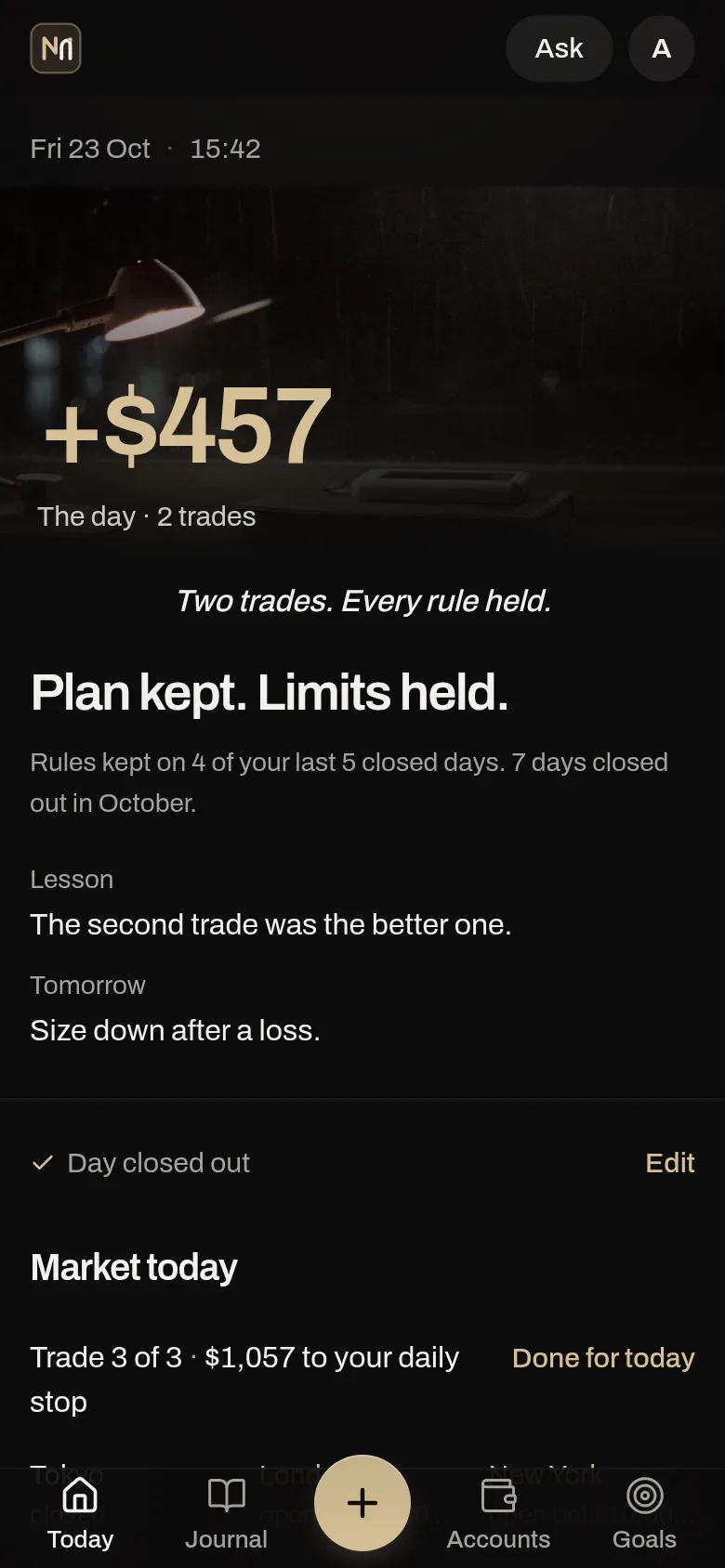
The day, against your rules.
- The day’s P&L is the one figure that lights up. Under it, a plain verdict: plan kept, limits held, or not.
- Close the day with one lesson and one fix for tomorrow.
- Every account below it, with its distance to the floor.
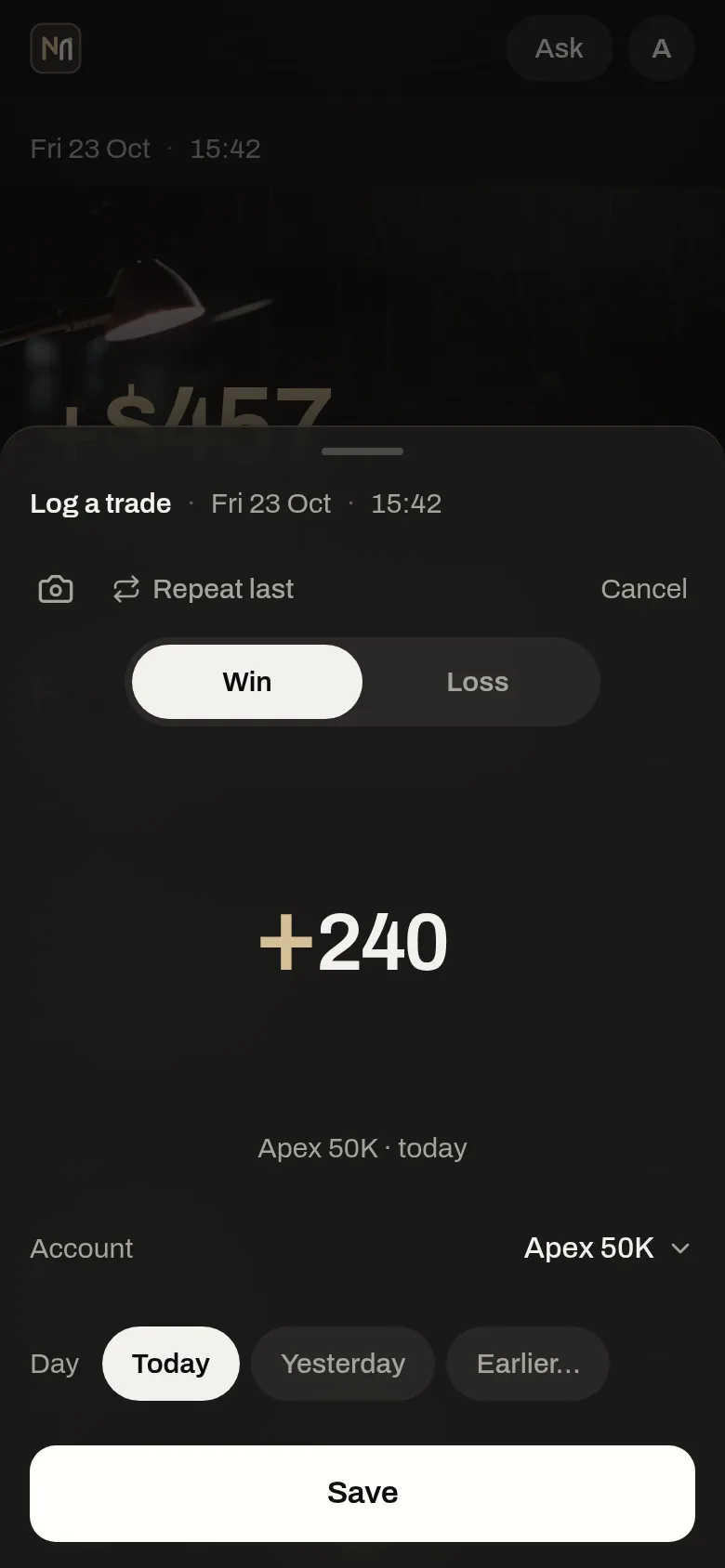
A trade is one number.
- Win or loss, the amount, save. The account and the day are already filled in.
- “Repeat last” copies the rest, so logging is never the reason you skip it.
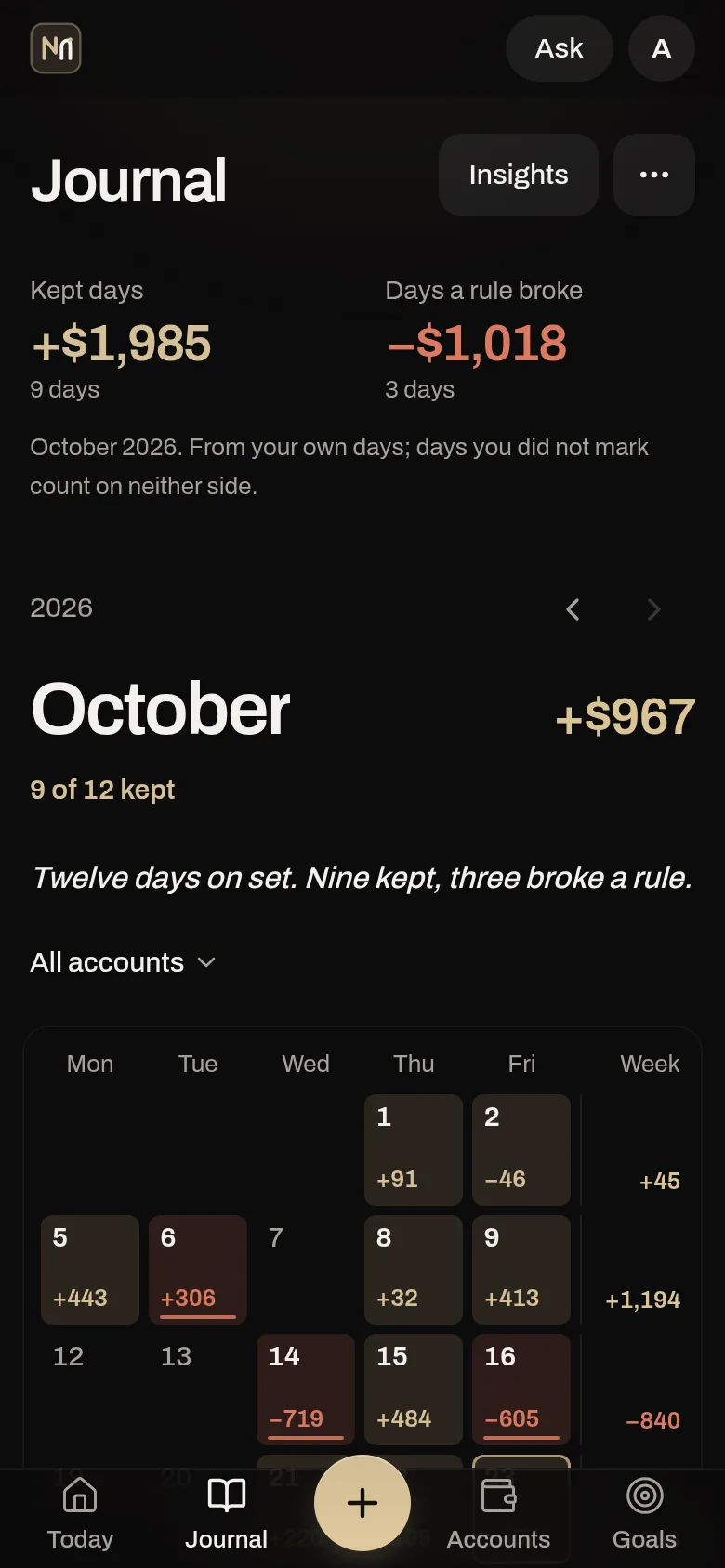
The month, kept or not.
- Every trading day is tinted by how you traded: champagne when the rules held, ember when one broke.
- A day in profit with a broken rule still shows ember.
- The month’s P&L at the head, each week’s total at the end of its row.
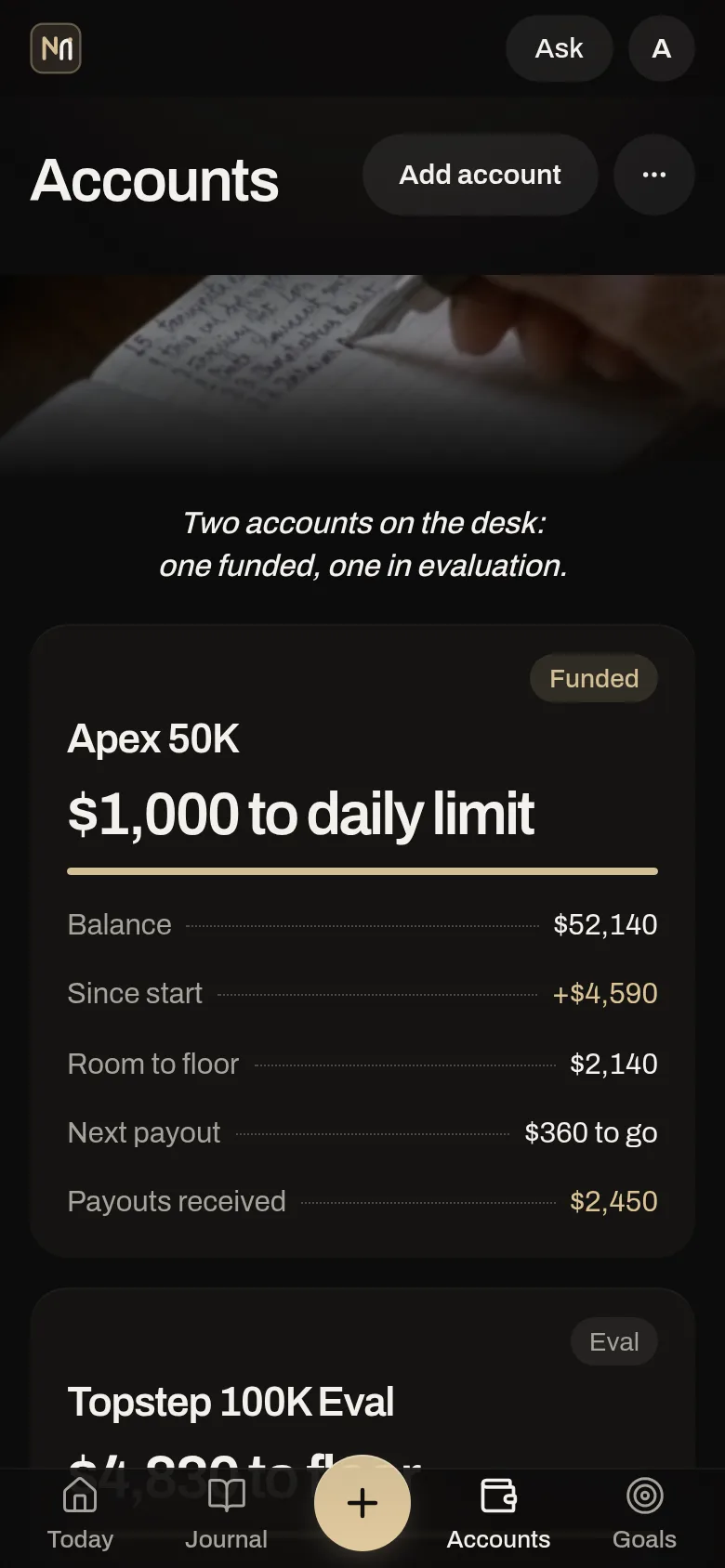
Know your room before the first trade.
- Each prop account shows what is left to its daily limit and to its drawdown floor.
- Evals and funded accounts side by side, with the payouts received and what is left to the next one.
- Pick the firm and the size; the preset fills in its limits.
Access is by invitation. Ask for a key.
Questions
What does it cost?
Plans are shown after you join. Answers from Ask, reading screenshots and week explanations use credits, and nothing spends a credit without your tap. You can export or delete your data any time.
Where is my data stored?
Your journal is stored with MongoDB Atlas and the app runs on Vercel. Some of these providers are US companies; transfers are covered by the EU Standard Contractual Clauses. Your data is not sold. Export everything or delete your account in Settings. Details are in the Privacy Policy. Privacy Policy
Does it tell me what to trade?
No. No signals, no predictions, no financial advice. It records what you did against the rules you wrote. Ask answers questions about your own journal.
How much time does it take?
A trade needs only its result; “Repeat last” fills in the rest. The morning plan can repeat yesterday’s in one tap, and closing the day is three short cards. Reminders are off unless you turn them on.
Does it work with my prop firm?
Presets fill in the rules for every firm listed above, futures and forex alike. Any other firm: type its limits in once. NGU Edge is not affiliated with any firm; check the presets against your firm’s current rules.
Does it connect to my platform?
TopstepX accounts can sync with an API key you create in TopstepX; that API subscription is billed by ProjectX, not by NGU Edge. For any other platform, import its trade file (CSV, or an MT4/MT5 statement), log a trade by hand, or add a screenshot and check what was read (reading a screenshot uses credits).
Is it in German?
Yes. The whole app is in English and German, and you can switch any time.